
Creator pages
Your live links under one handle at puni.design/u/handle: turning the page on, choosing a handle, and choosing which links show.
A creator page collects your shared scenes in one place: puni.design/u/<handle>. It is off until you turn it on, and it shows only links that are live and that you chose to list.
#Turn it on
- Open Settings → Profile.
- Under Creator page, choose a Handle. Lowercase letters, digits and hyphens, two to thirty-one characters; it cannot start or end with a hyphen. A few names (such as
settings,loginanddocs) and names already in use are refused. The handle saves when you leave the field or press Enter. Your username is the default (your account id if you have none); clear the field to go back to it. - Switch Public page on (it stays off-limits until your profile has a name). Open page shows it; Copy link copies the address.
Until the switch is on, the address answers with the app’s 404 page.
#What shows
Links you make in the studio are listed by default; links made with puni project share are unlisted until you turn On my creator page on. In Share, open the link row’s ⋯ menu and turn On my creator page off to keep a link reachable but unlisted. Revoked links and archived scenes drop off on their own.
#What a visitor sees
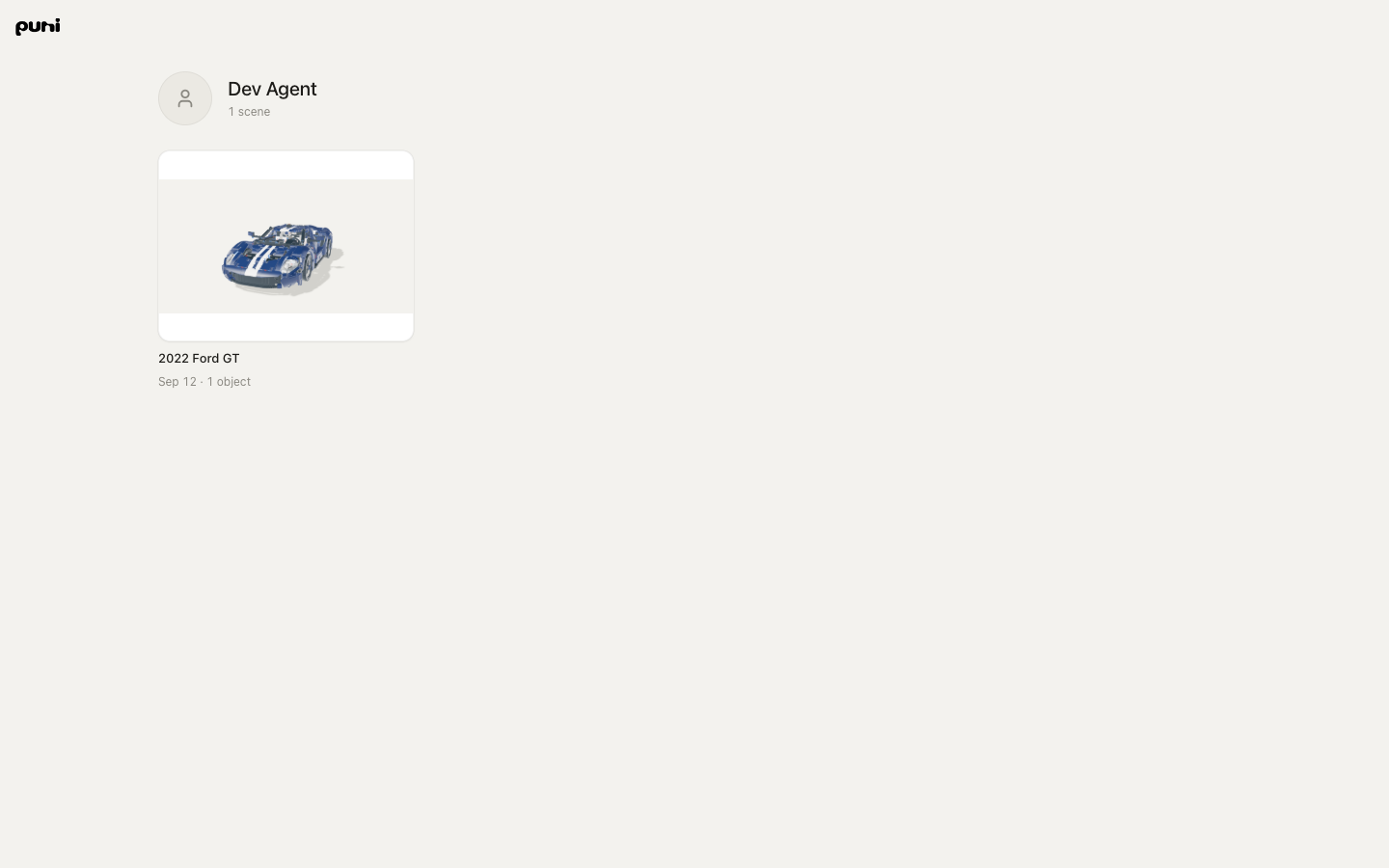
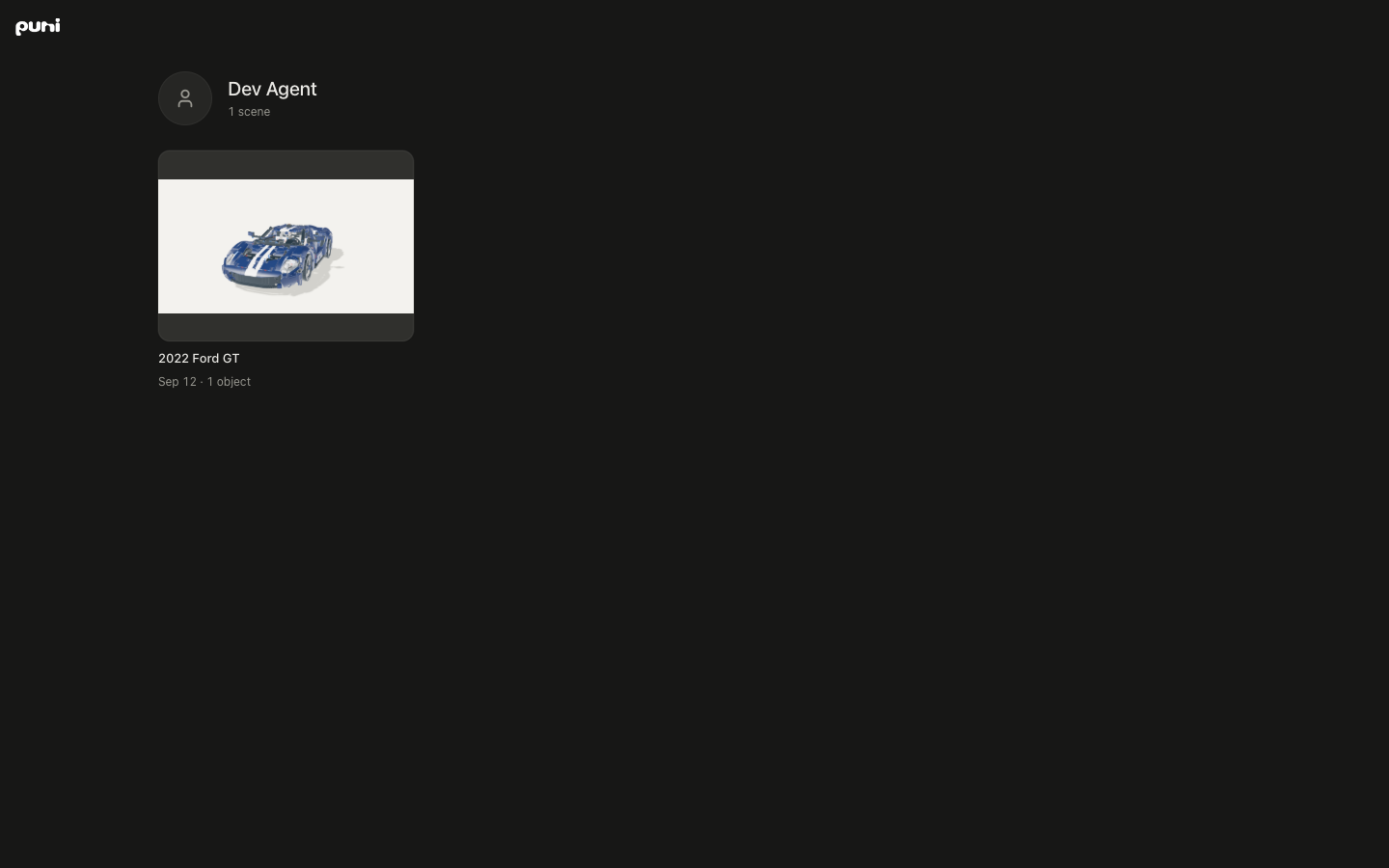
Your name and picture, the first line of your bio, how many scenes it lists, and a grid of covers, newest first. Each cover shows the scene’s name, date and object count. Each cover opens the link's share page. There is no follow button and no feed; the page is a shelf.
#Changing a handle
Change it in the same place. Your previous custom handle stops working at once; addresses using your username or account id keep working while the page is on. Pick with care if the address is already in print.
Read The share page for what a cover opens.
Was this useful?