
The share page
What a link opens: the player and its controls, the scene menu, downloads, remixing, and the small differences on a phone.
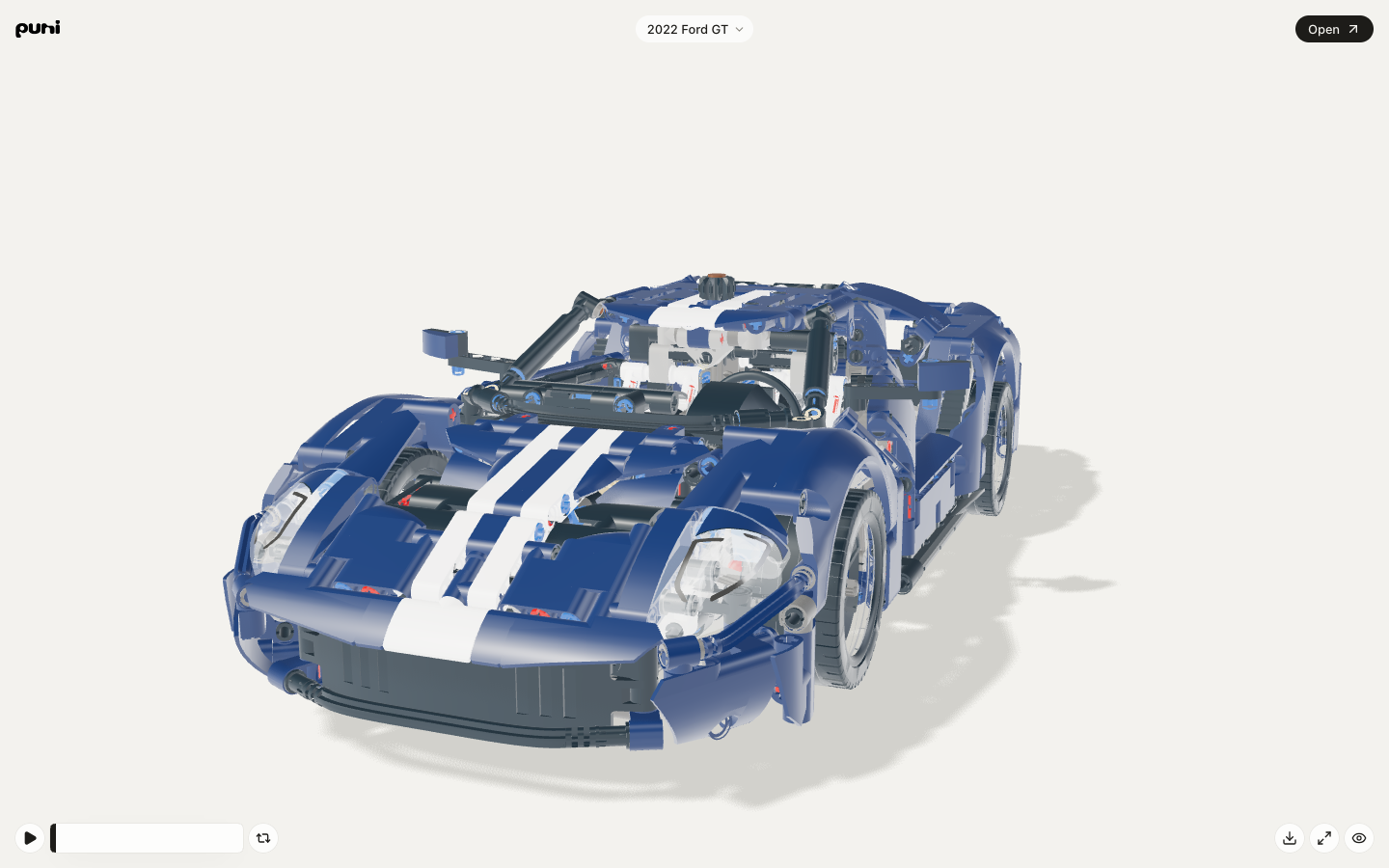
A link opens at puni.design/share/<link>. It shows one saved version of a scene, exactly as it was when the link was made, to anyone who has the address.
#Controls
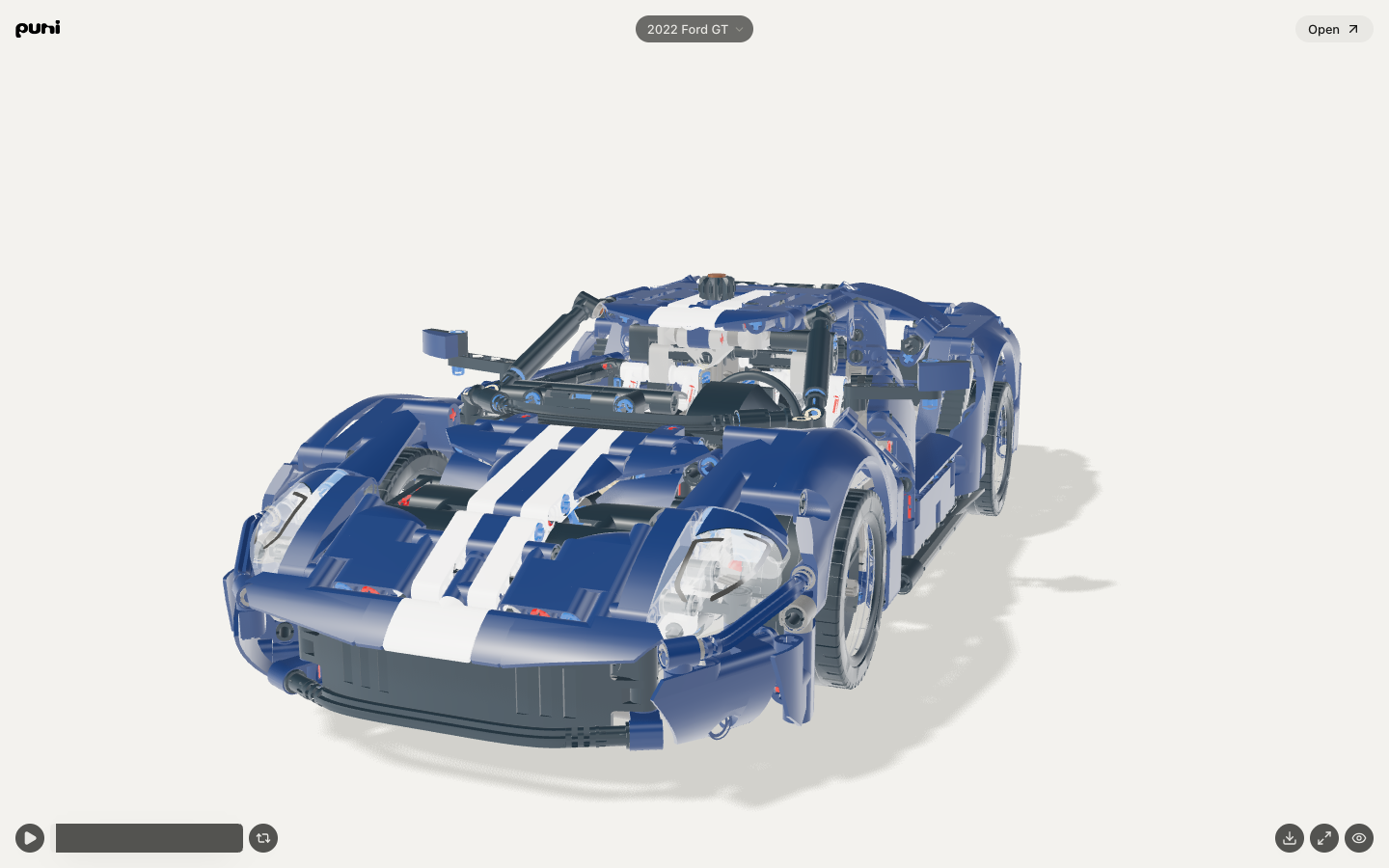
The controls sit in the corners so the scene stays clear.
| Control | Does |
|---|---|
| Play, pause | Space also works when focus is outside a control |
| Seek | The bar beside Play; arrow keys step one second (Shift: five) unless focus is in a field or menu. L toggles Loop, H hides or shows the controls, F goes full screen, K is Space |
| Loop | Plays the scene again at the end |
| Sound | Starts muted; a tap turns it on. Shown only when the scene has audio |
| Free camera | Switches between the scene’s authored shots and a free orbit; shown only when the scene has shots |
| Full screen | Where the browser allows it |
| Hide controls | The eye folds every control and the header away; it becomes Show controls, and one tap brings them back |
Tapping an object with a response plays it. Switching tabs pauses; coming back does not restart.
#The scene menu
The scene's name in the header is a menu. At the top: who made it and when, how many times it was viewed and copied, the description, duration · frame · objects · pieces, and the palette. Below: Copy › Link, Embed code and Colours; Save › Picture, GIF (the first 20 seconds), Video, and Scene when remixing is allowed; and Reset responses when the scene has response targets. More by the creator’s first name opens their page when they have one.
#Remix
Open in the header opens a copy in your own library when the link allows remixing. The copy is yours; the original does not change.
#Unavailable links
A revoked link, or a link to an archived scene, opens a page that says so. Nothing else about the scene is shown.
#On a phone
The controls become one row: Play, the seek, Free camera, a ⋯ (More) that holds Loop, Sound and Full screen (when the scene has sound or the browser allows full screen; otherwise Loop sits alone), and the eye. The scene menu opens under the name. The scene fills the width.
Read Sharing for making a link, or Embedding for putting the player in a page of your own.
Was this useful?